Select compute resources for your session
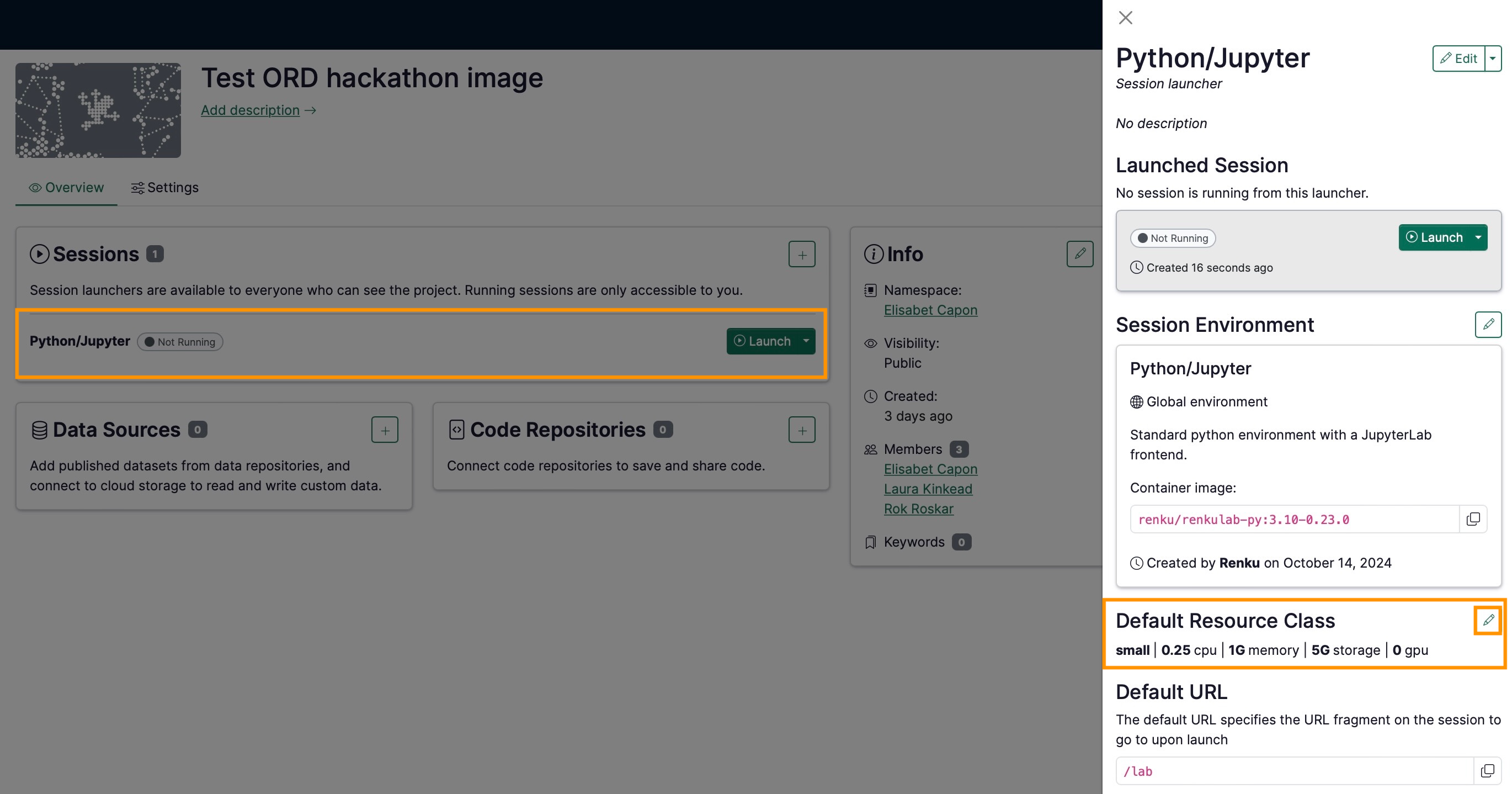
To change which resource class your project’s session launcher uses, you can edit the default resource class used by your session launcher:
- Click on the session launcher in your project
- Navigate to “Default Resource Class” and click the pencil icon to change the resource class.
tip
Do you need more resources than are available in RenkuLab’s public resource classes? Contact us! We can configure a custom resource pool for your needs upon demand.
If you would temporarily launch a session with different resources without changing the default resource class of the launcher, you can also select a resource class on the fly:
- Click on the dropdown button in Launch
- Select Custom launch.
- Choose a resource class for this session