Create a group
tip
Creating a group allows you to gather all the information and resources (data, people, projects, etc.) of your team or research project under a single roof.
-
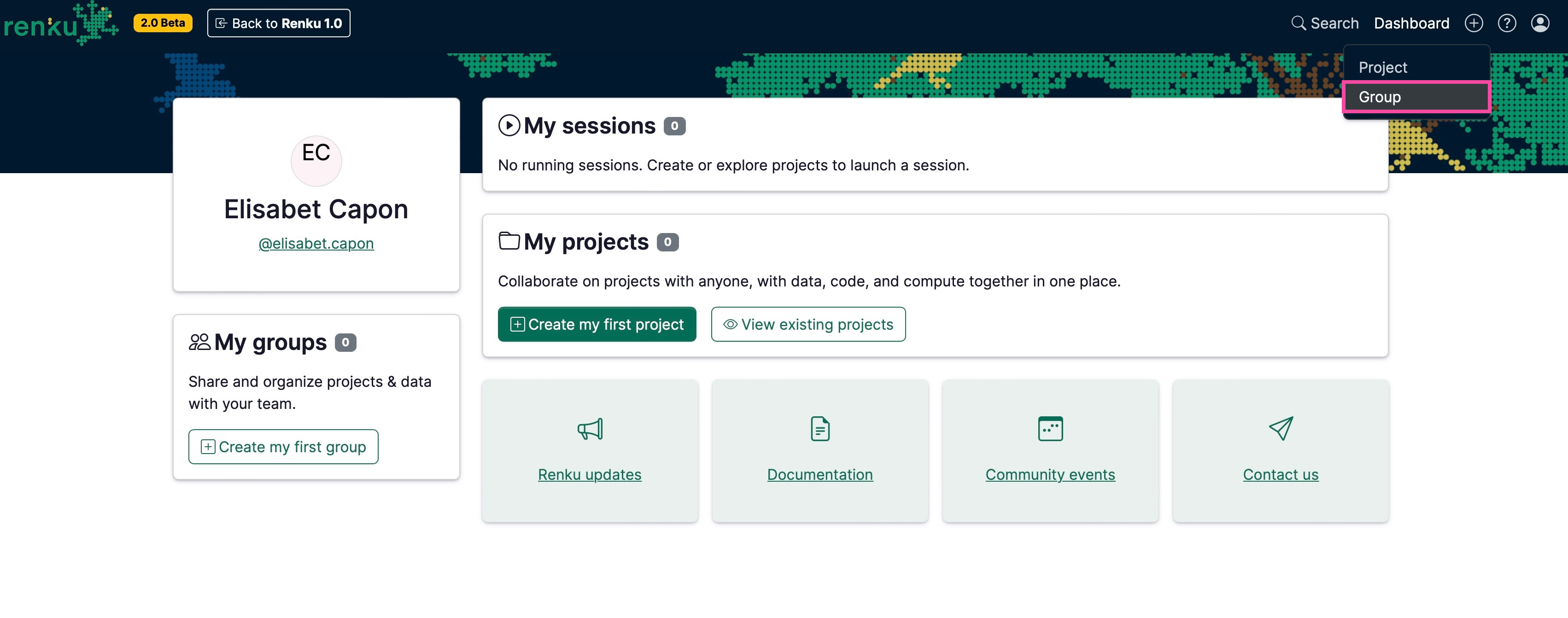
Click ➕ at the top right corner of renkulab.io after logging in.
- Click on Group.
-
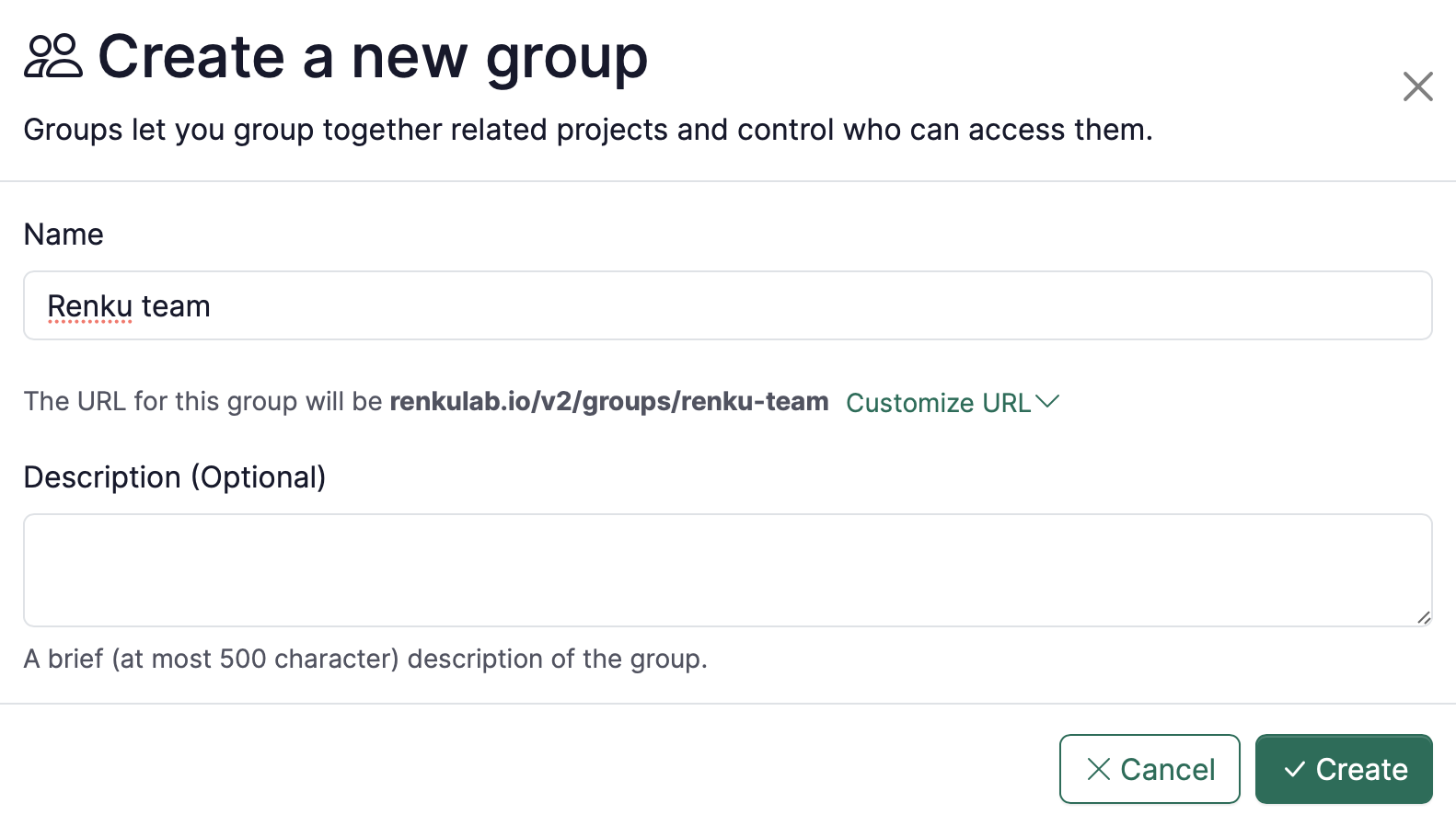
On the Group creation page:
- Name: enter your preferred identifier.
- Description (Optional): add the description of your group.
- Click on the Create button.
-
To add people to your group, see How to add members to a group