Add members to a group
-
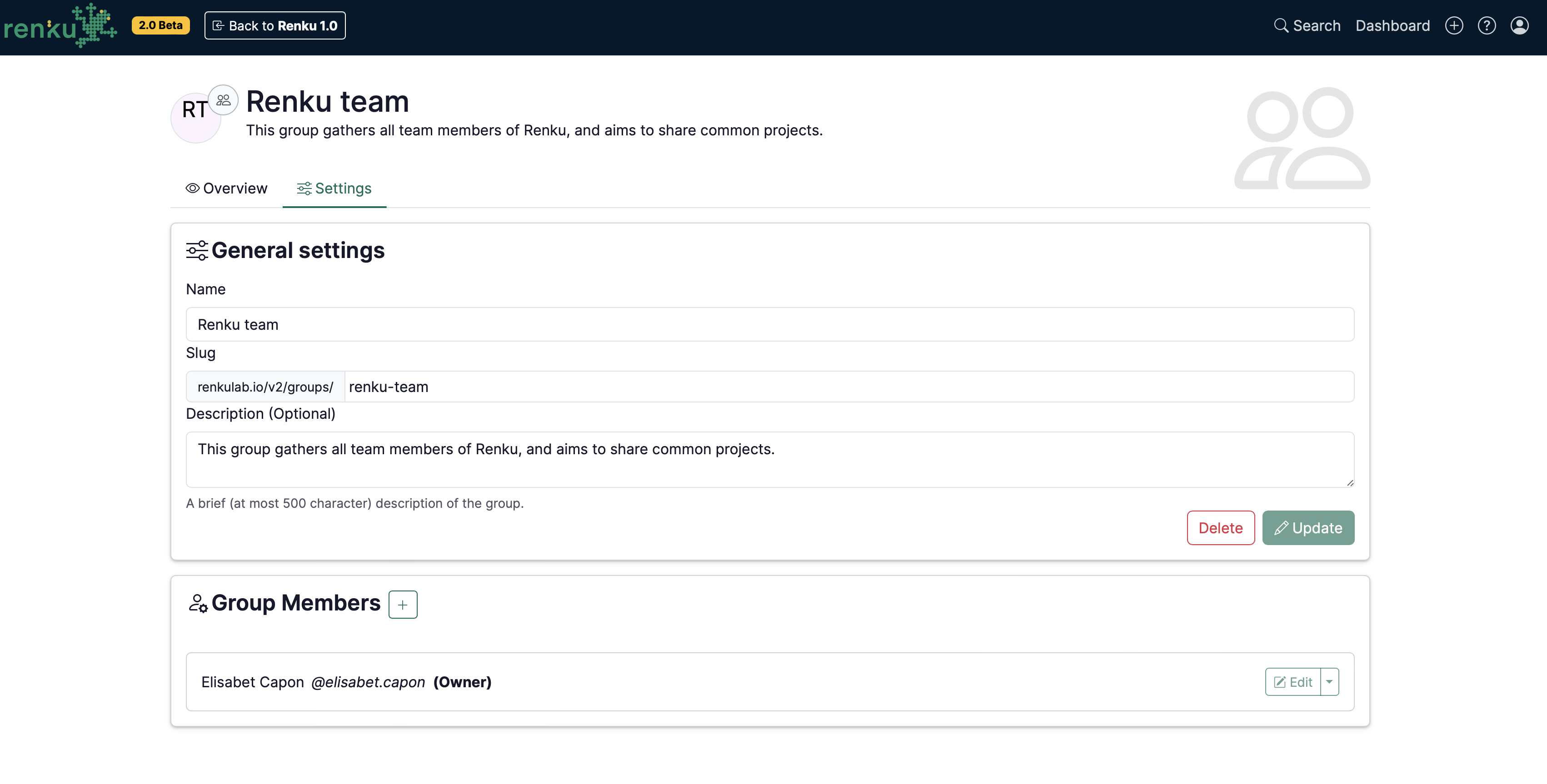
Go to the Group page and edit its properties under the tab Settings:
-
Click on the + in the Group Members section.
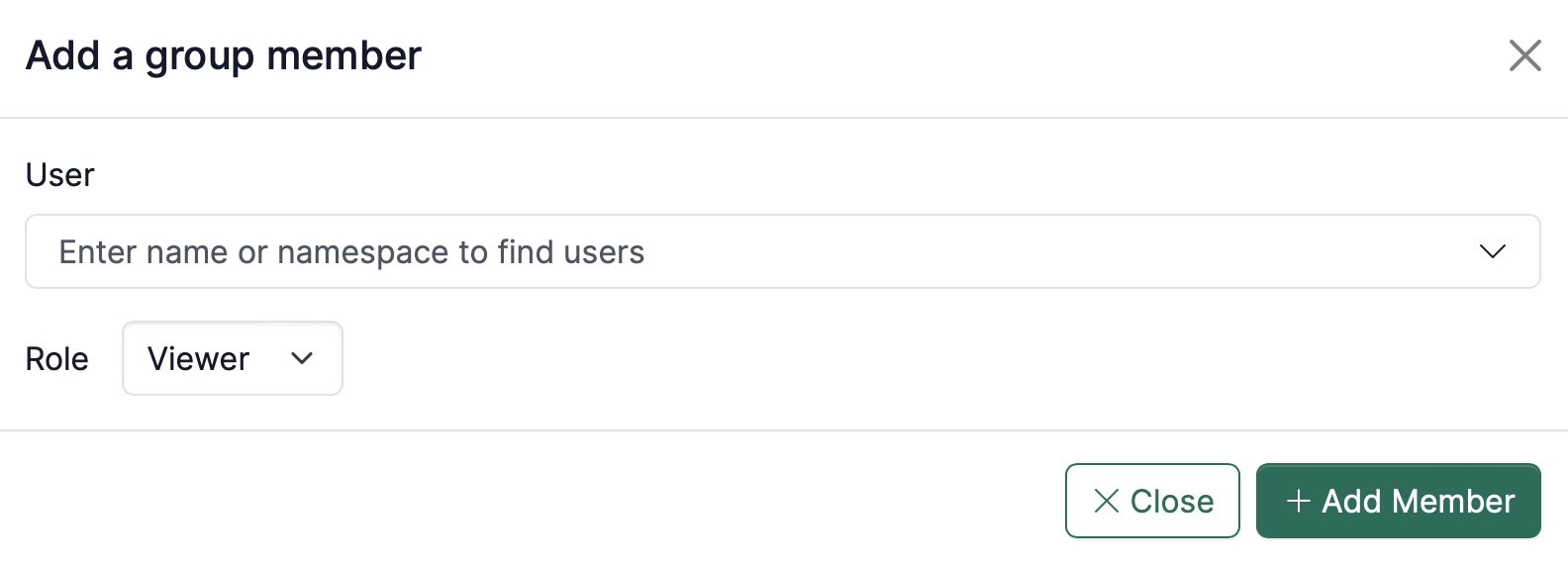
- User: Find a user by typing the person’s name.
- Role: Decide the rights of the users when adding them (you can always come back to this page to revise people’s rights by click on Edit).
tip
To learn more about roles in groups, see Group Permissions