How to connect data from data repositories (such as Zenodo or Dataverse)
Which data repositories are supported?
We support connecting with data repositories that have as their backend either InvenioRDM and Dataverse.
Examples of Invenio data repositories:
→ see all
Examples of Dataverse data repositories:
→ see all
Integrations with more data repositories, including ones in the ETH Domain, will be coming soon!
How to connect a dataset from a data repository to a Renku project
-
Find and copy the DOI on the dataset page (see How to find the DOI on Zenodo)
-
On the Renku project page, click the ➕ button in the data section to add a new data connector
-
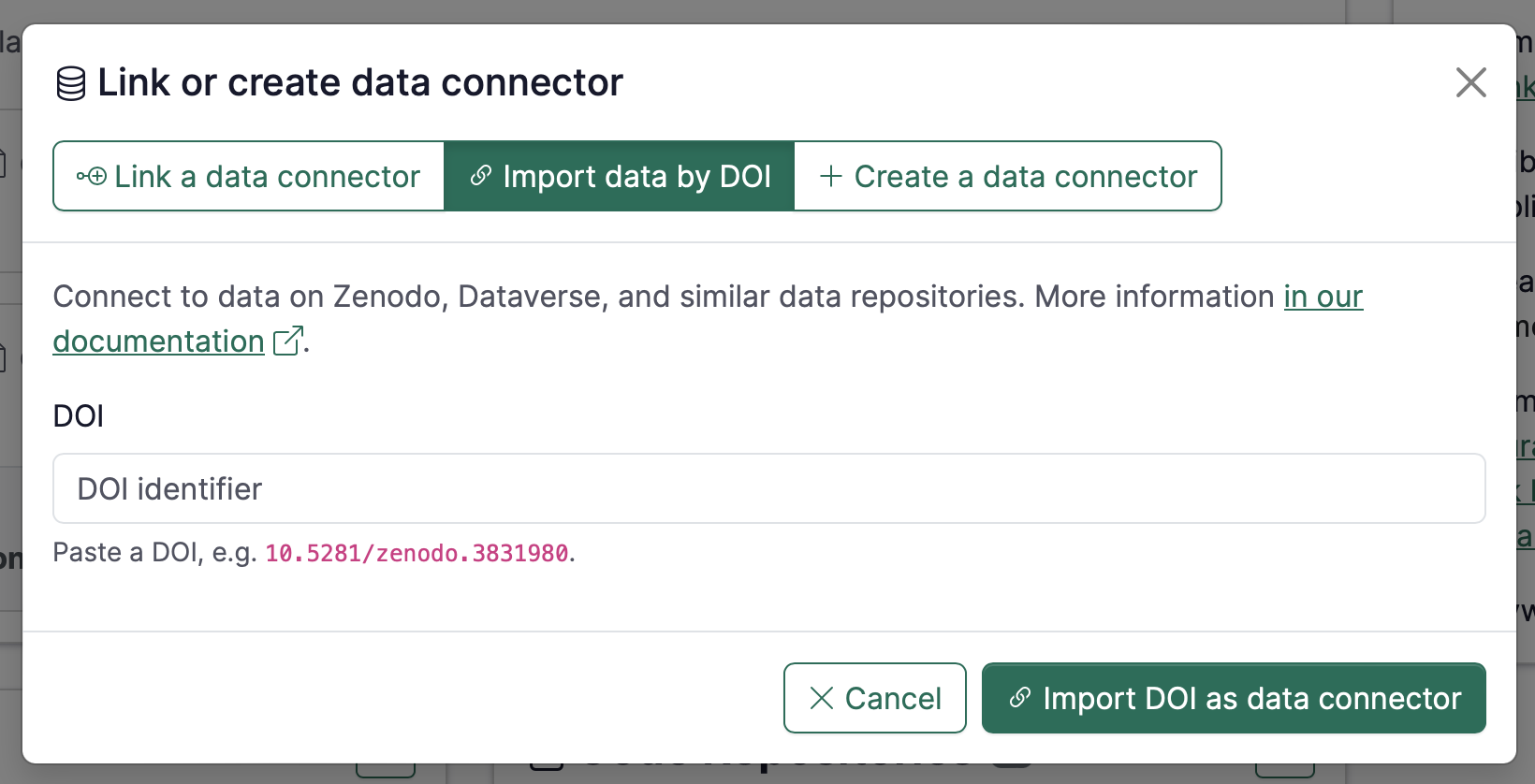
Select the Import data by DOI mode
-
Paste the DOI and click Import
How to find the DOI on Zenodo
-
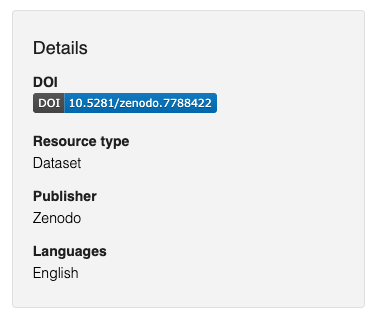
Find the DOI badge box
-
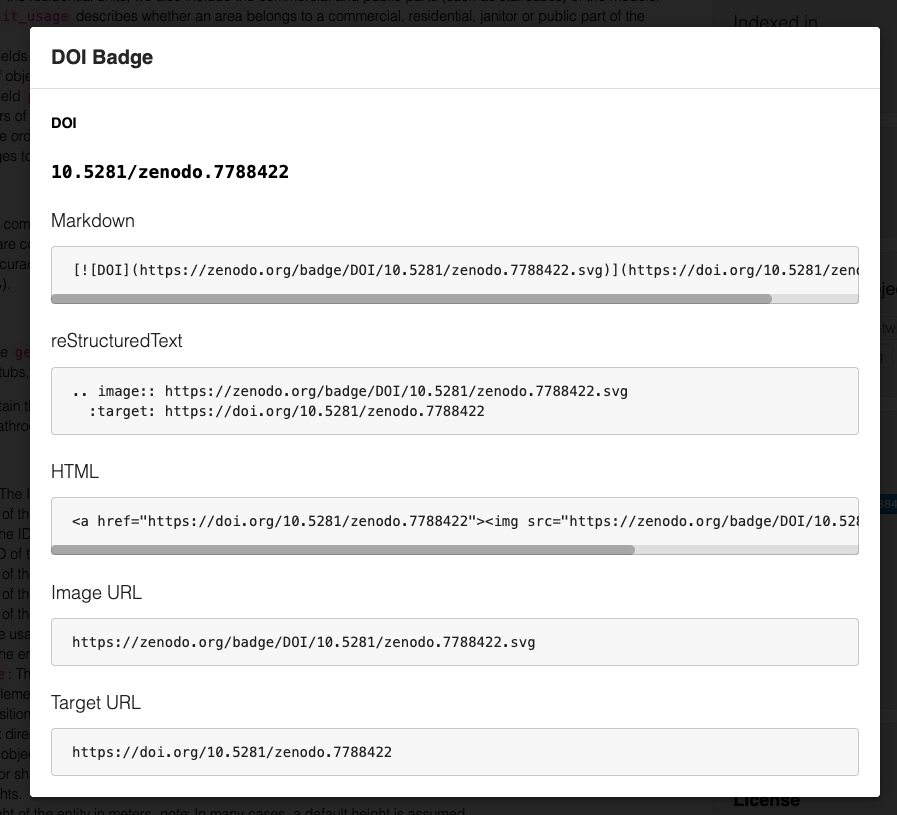
Click the badge and copy the DOI
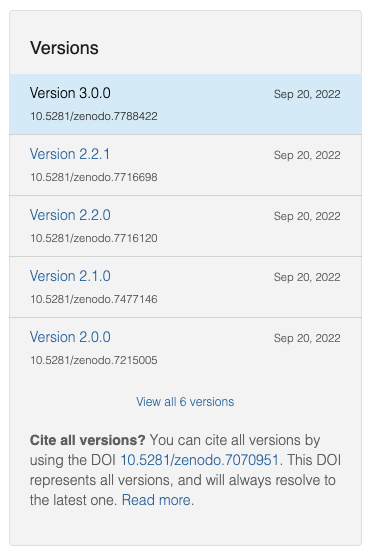
It is possible to use the DOI of a specific version of a Zenodo record, as well as using the “all versions” DOI (which will resolve to the latest version)
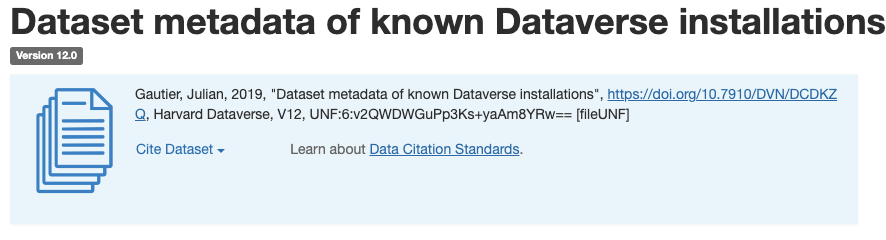
How to find the DOI on Dataverse
The DOI should appear in the citation box of a dataset:
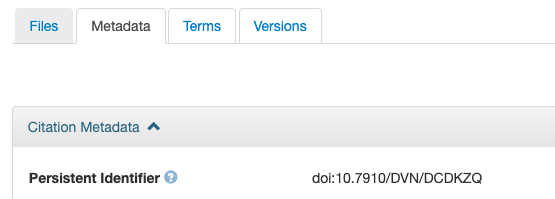
The DOI is also shown on the “Metadata” tab:
Example project
Here is an example project that uses datasets from both Zenodo and Dataverse: https://renkulab.io/p/renku-team/demo-project-2
To see the datasets, simply click “Launch” on either of the two session launchers available in the project. The data will automatically appear mounted in the work directory.